Your team, organized.
Your weekends, back.
The communication-first team manager built for youth sports. Schedule games, collect RSVPs, message parents, and run the season — without paying a cent if you're a coach.

Why coaches and clubs switch
Three things nobody else does.
Most team apps got cheap with their pricing, expensive with their friction, or both. Squadz fixes the three that actually decide whether your team uses the tool a month from now.
Pricing
$0, forever, for coaches.
Rosters up to 25 athletes, with unlimited RSVPs, messaging, and seasons. No trial, no card, no per-team fee. We make money from leagues — not from volunteers.
Time
Set up once. Use forever.
The roster you built last August already knows who's playing in September. Recurring schedules, persistent player profiles, custom fields — every season starts from where the last one ended.
Reach
Post once. Every parent sees it.
Pin a field change. Squadz handles the rest — sticks it to the top of the feed, emails the parents who didn't open the app, and tells you exactly who's read it. No more “did anyone get my text?”
Scheduling
Set the season once. Done.
Recurring practices and one-off games, organized by season. Build the calendar once and let parents see what's coming up.
- Single + recurring events (weekly, daily, monthly)
- List view and full-month calendar view
- Reusable event templates and season archive
- Address autocomplete with saved locations
- Practices, games, and custom event types

Messaging
Announcements that actually land.
Team feed, direct messages, and group chats — with email fallback so urgent announcements don't get missed. Pin updates so they don't drown in the family group chat.
- Team feed, direct messages, and group conversations
- Pin urgent announcements; reply in threads
- Share game-day photos and files right in the feed
- Read receipts + real-time unread counts
- Search past messages and announcements

Roster
Every athlete, fully accounted for.
Medical notes, parent contact info, and custom fields you define per team — allergies, jersey size, position, whatever your team tracks. Locked down with per-role visibility — coaches see what coaches need, parents control what gets shared.
- Medical notes and parent contact info
- Custom fields per team — allergies, jersey size, position (text, number, checkbox, textarea)
- Per-role visibility — coach-only vs. team-wide
- CSV bulk import (Coach+)

For coaches
Your roster doesn't start from scratch.
Player profiles, medical info, allergies, parent contacts — entered once and carried with the team for every season after. Starting a new season takes minutes, not weekends.
- Fall 2024First season11
- Spring 202511 carried over12
- Fall 202512 carried over13
- Spring 2026Current13
Same player, same colour, same column — the data's been there since Fall 2024.
Set up once, used every season.
A player on your team stays on your team. Each new season is picking who's playing this slate — never re-adding the same kids, never re-keying their data.
Parents keep their own data current.
Medical notes, allergies, contact info — the people who actually know update them in-app, and you just see the result. No Google form to re-send.
Custom fields that stick.
Jersey size, position preference, snack rotation — define them once for the team and they carry with every player across every season you run.
- 6:42 PM
- 6:58 PM
- 7:15 PM
- 7:30 PM
- •Soccer: Practice tomorrow · 5:30 PM, Main Field
- •Baseball: Game moved to Saturday 11 AM
- •Soccer: Reminder — bring water bottles
- •Dance: Recital next Sunday at 3 PM
Notifications
Practice can wait. Dinner can't.
Quiet hours per team, batch digests up to an hour, and household-level overrides — so the 6 PM “Practice tomorrow!” avalanche stops at the family door.
- Quiet hours, per team. Soccer can stop emailing after 7 PM; baseball can keep going 24/7. Each team gets its own window.
- Batch the noise. Hold a team's messages and send one digest every 5, 15, 30, or 60 minutes instead of pinging six times in six minutes.
- Per-channel mute. Three independent switches per team: team feed, direct messages, announcements. Silence one without silencing the rest.
- Mom on, Dad off. Household-level overrides on top — one parent opts out of RSVP nags without touching the other parent's settings.
For families
Built around the family, not the team.
Most team apps make you log in as a different person for each of your children's teams. Squadz puts the whole household — every kid, every team, both parents — in one place.
Two parents, one household.
Invite a co-parent. They get their own login but see every RSVP, every announcement, every conflict. Nobody's sharing a password.
One tap, every attending kid.
Magic-link email lands. Tap “Going.” Every one of your kids who's on the roster is marked — no kid-by-kid clicking.
Every team on one calendar.
Soccer Tuesdays, baseball Wednesdays, dance Thursdays — one view. Conflict alerts when two practices land at the same time.
Each kid's privacy, your call.
Per child, per team, per field. Medical notes coaches-only on one team. Contact info team-wide on another. Your rules, per kid.
Teams come and go. Your family doesn't.
Calendar sync
Every game in the calendar you already use.
Subscribe once in Apple Calendar, Google Calendar, or Outlook. Every game, every practice, every field change for every team your kid is on — auto-syncs in under a minute. Forget Squadz exists; it'll be there anyway.
- One URL per parent. All your kids, all their teams, one calendar feed — not five separate subscriptions.
- Or one per team. Coaches can share a team feed so every family imports the schedule once.
- Field changes sync themselves. Update an event in Squadz; the event updates in everyone's calendar within a minute.
- Rotatable tokens. Lose your phone? Rotate the URL; old subscriptions stop working instantly.
For leagues & clubs
One voice. Every team.
Set the welcome email, the season-start announcement, the RSVP reminder — once, at the league level. Every team inherits. Any team can override for its own quirks. The whole club sounds like the club.
- 27 templates, your wording. Every email Squadz sends — invites, RSVP reminders, event changes, season starts, password resets — rewritten in your league's voice.
- Cascade, with escape hatch. League sets the default. Any team can override for its own quirks. Resolution is team override → org template → hardcoded default.
- Variables that just work. {{teamName}}, {{eventDate}}, {{memberName}} — write once, render correctly for every team, every event, every recipient.
Game day
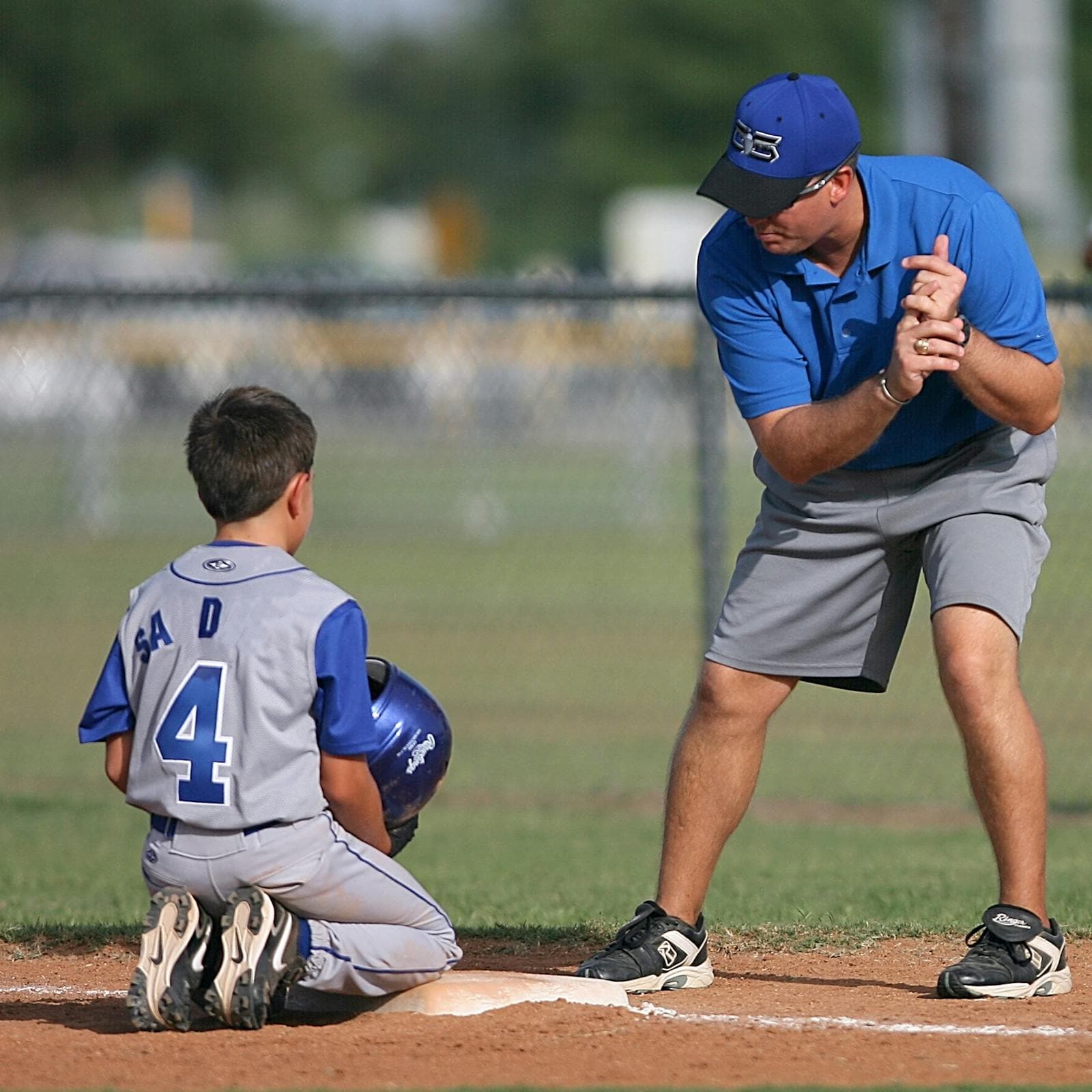
This is what it's all for.
Real teams, real seasons. Squadz handles the logistics so everyone can be present for the part that matters.







FAQ
Frequently asked.
Is Squadz really free for coaches?
How long does setup take?
Do parents need an account?
Can I import my roster from another tool?
What's your refund policy?
Who owns the data?
What if I want to delete my account?
Can parents control what coaches see about their kid?
Do organizations get an audit trail?

Get your team organized in 90 seconds.
Free for coaches. No credit card. No catch.